Exposure Management – 2025-12-02 Update
New release includes updates on the Attack Path visualization and Environment→Network page:
AttackPath visualization:
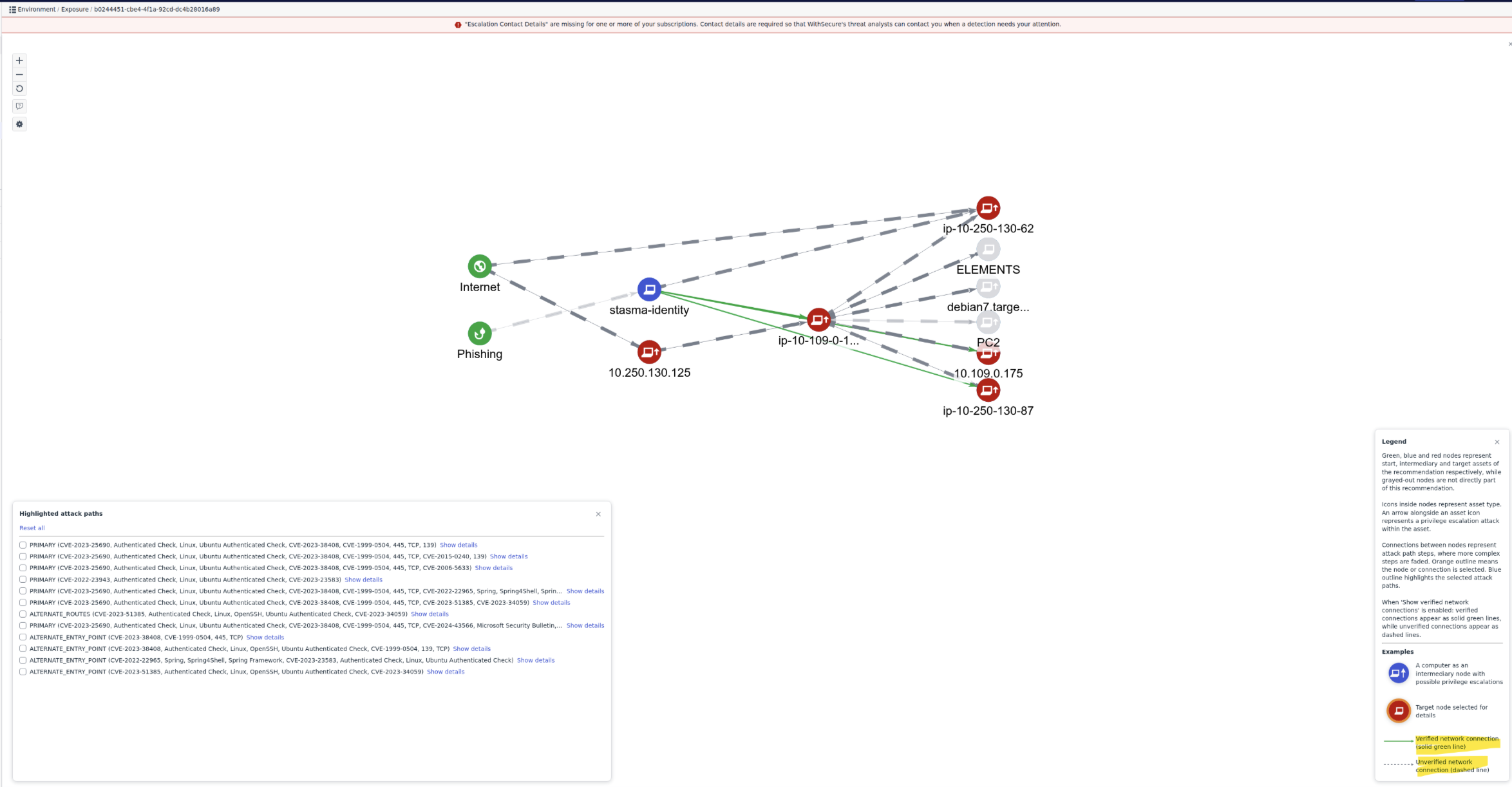
- The AttackPath visualization has now been updated to show verified connections between nodes in the attack path diagrams.
- An option to show verified network connections has been added to the main Attack
Path visualization view. This option is enabled by default and may be toggled through
the control panel. - Connections are green when verified connection findings are available. Connections
are shown as dashed lines where verifications are unavailable. Verifications will not be
possible if the source node does not have the EDR agent installed. The step flyout now
includes fields that show which ports are reachable from the source node. - The legend panel includes new explanatory text and a key for the new line styles.
- The Attack Path simulator discards findings older than 30 days.
Environment → Network page:
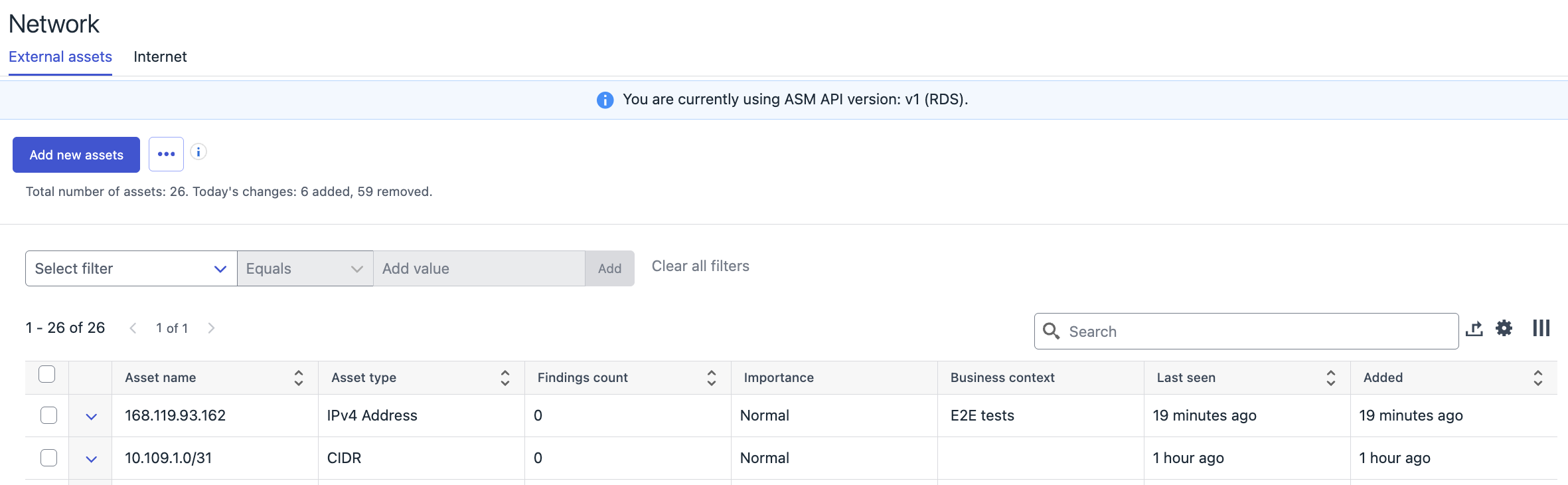
- List of company external assets in now default landing page on the Environment → Network page
- Page design has been updated while preserving all of the functionality as before
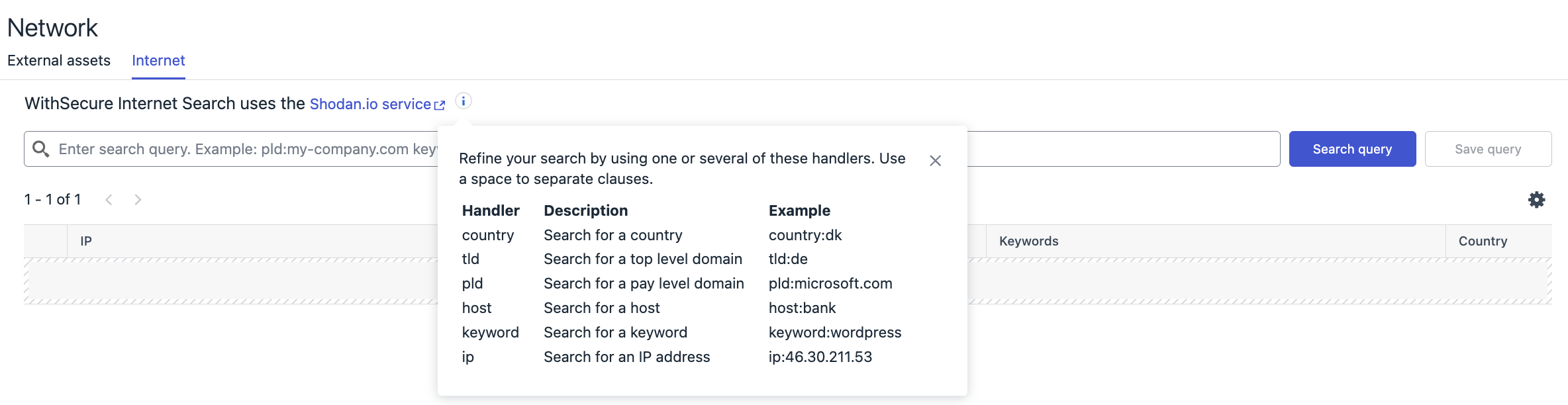
- Internet tab is moved as a secondary tab providing possibility to search for the publicly visible assets
- Page design has been updated while preserving all of the functionality as before
- Search results now contain also an indicator (checkmark) if publicly visible assets is already added to the scan group